
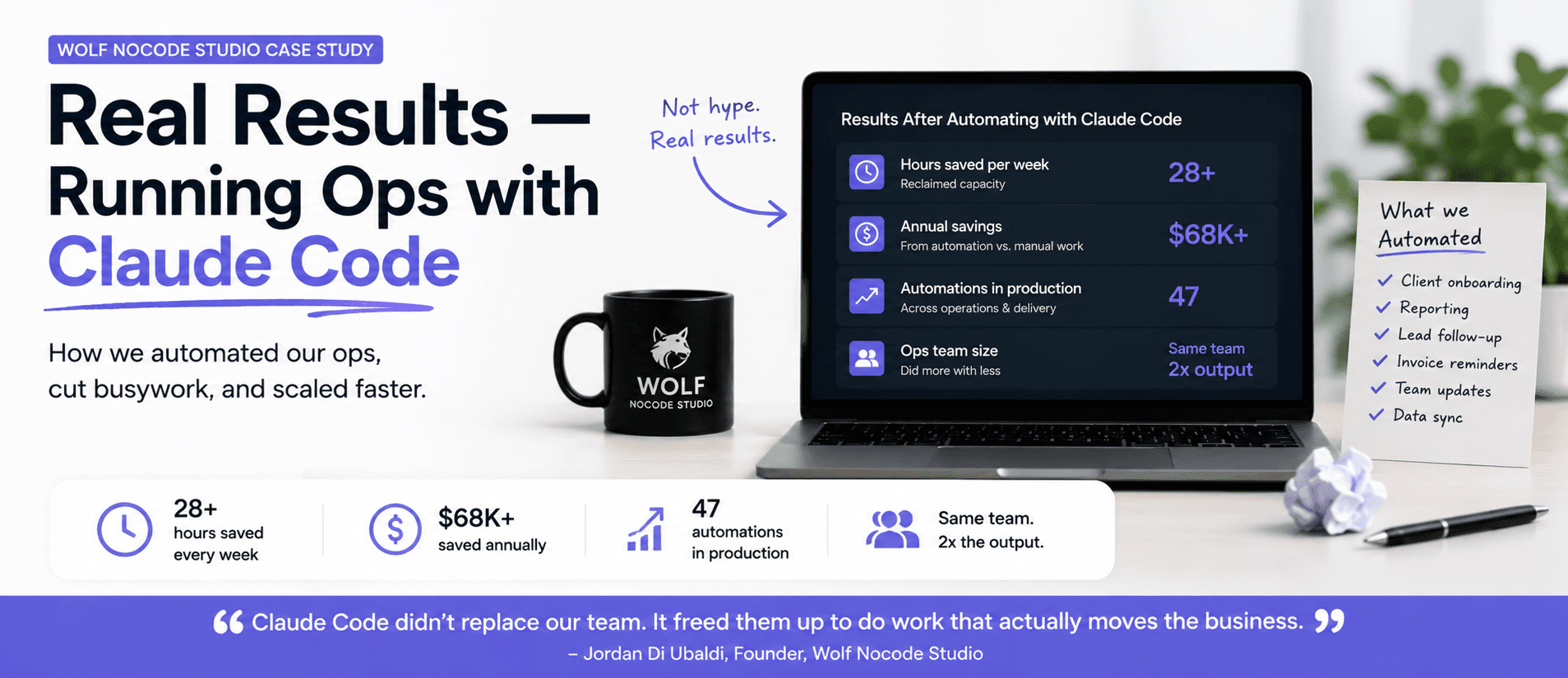
How I Run My Agency on Claude Code: Wolf Nocode Case Study
Wolf Nocode Studio builds automation for growing businesses. Here is exactly how we run our own…
Read moreJahanzeb Khan
Founder
10 min read
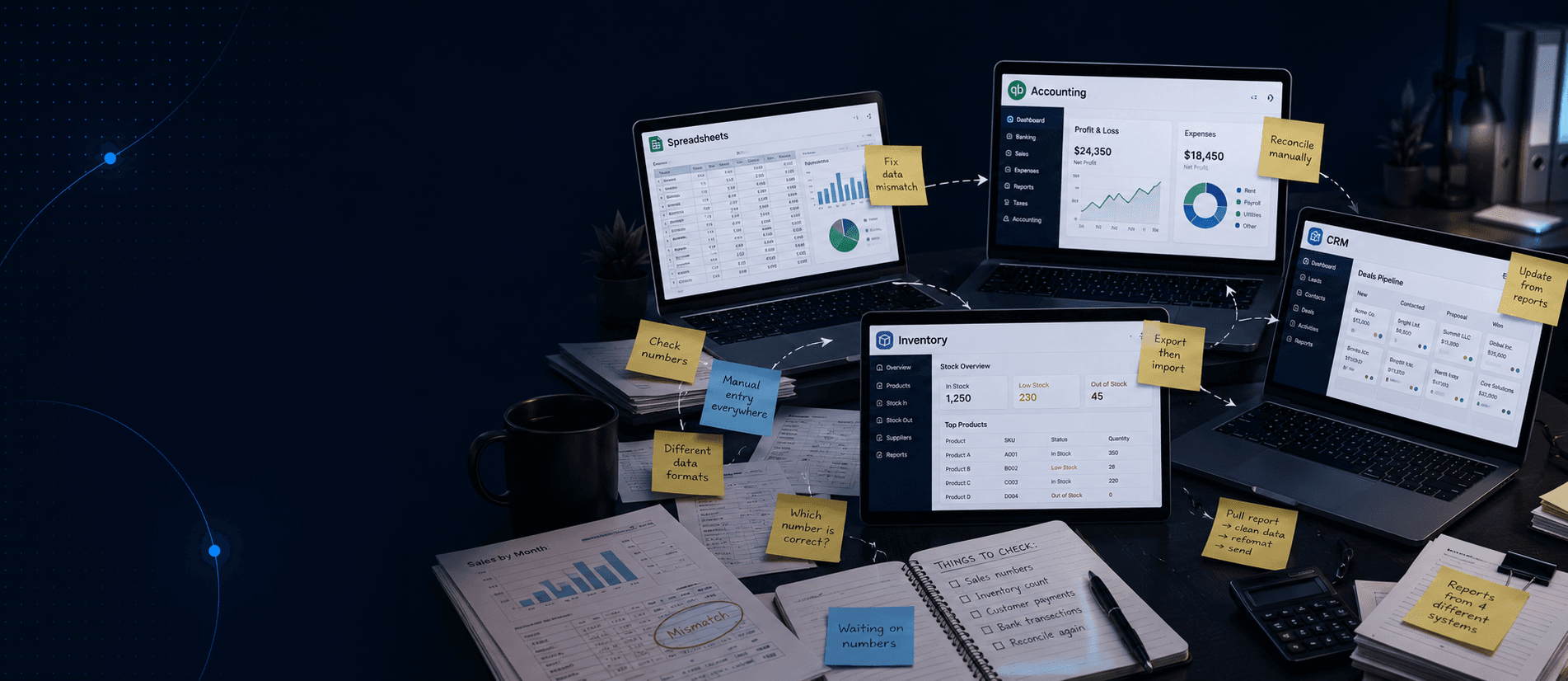
Outgrowing QuickBooks is not a size problem. It is a complexity problem. The signs you've outgrown QuickBooks show up in your team's daily work: the spreadsheets they build to fill gaps, the hours lost reconciling numbers across tools, the reports that take days to pull instead of minutes. When that becomes the normal, the accounting tool has become the bottleneck.
The Spreadsheet Signal is the clearest early warning a business gets: when your team starts building spreadsheets to do what the primary software cannot, the software has stopped fitting the business.
It starts small. One workaround for inventory tracking. A sheet to bridge QuickBooks and the CRM. A tab someone built to manage open orders. Over time, these become load-bearing. Other people depend on them. When one breaks, business stops. At that point the spreadsheet is not a workaround — it is infrastructure the rest of the operation runs on.
The uncomfortable truth is that most teams do not notice when this shift happens. The spreadsheet accumulates quietly until someone asks a question and the answer is: "Let me check the sheet."
A month-end close that runs longer than 5 business days is not a process problem. It is a systems problem.
QuickBooks handles transactions well. What it cannot do is automatically reconcile data from a separate inventory tool, a CRM, a project tracker, and a payroll system. When those live in different places, month-end becomes a manual reconciliation project. Every number has to be found, verified, and entered by hand.
The cost is not just the hours. It is the quality of decisions made on stale data. A business that closes its books on the 10th of the month is making decisions for the first two weeks of the new month on last month's numbers. That lag compounds across every quarter.
Outgrowing QuickBooks means the gap between what your business needs to operate and what the software was built to do has become a daily friction point.
QuickBooks was designed for accounting. It does that well. The problem is that growing businesses need more than accounting from their primary system: real-time inventory, operations management, order tracking, project visibility, CRM functions, and cross-system reporting. QuickBooks was not designed for these. Businesses that stay on it too long are not really using QuickBooks. They are using QuickBooks plus four other tools plus a set of spreadsheets nobody fully trusts.
The signal is not a specific revenue number or headcount. It is operational complexity. If your business has 3 or more disconnected tools your team navigates daily, you have outgrown the setup — whether or not you have technically outgrown QuickBooks itself.
If the answer to "how are we performing right now?" is "let me pull some numbers together," the infrastructure has failed.
QuickBooks reporting is financial and backward-looking. It tells you what happened last period. It does not tell you current inventory levels, open orders, fulfillment status, which customers are overdue, or what margin looks like on this week's orders. Getting those answers means going to another tool. Or asking the person who owns the spreadsheet.
The businesses we work with describe this the same way every time: "The data exists somewhere, but getting it takes a meeting." That is not a reporting problem. It is a data architecture problem — and it does not get better by adding another dashboard on top of the existing stack.
The cost of staying on the wrong system does not show up on the P&L. It shows up in hours — and hours have a price.
One ops team we spoke with was spending 14 hours per week on manual data re-entry across their systems. At a loaded hourly cost of $35–$50, that is between $25,500 and $36,400 per year in labour doing work that should not exist. That cost never appears on a budget line. It just quietly drains the team.
| Hidden Cost | What It Looks Like | Annual Impact |
|---|---|---|
| Manual data re-entry | Staff copying data between 3+ tools | 600+ hours/year |
| Slow month-end close | Decisions delayed 7–10 days each month | 84+ decision-days lost |
| Reconciliation errors | Revenue or inventory miscounts | Variable, compounding |
| Reporting time | Custom reports pulled manually per request | 2–5 hrs/week per manager |
Add to this: the decisions never made because the data was not clean enough, the errors that compound when numbers live in three places and get updated inconsistently, and the senior staff time spent reconciling instead of doing the work that actually moves the business forward.
Each tool added to patch a gap in QuickBooks creates a new login, a new place where data can fall out of sync, and a new integration that will eventually break.
The Replace Don't Patch Principle says this: connecting 6 broken systems gives you a more connected version of the same problem. The answer to "QuickBooks doesn't handle our inventory well" is not an inventory plugin on top of QuickBooks. It is a single system built around how the business actually works.
We see this consistently. Businesses come to us running QuickBooks alongside a separate inventory tool, a CRM they half-use, payroll software that talks to nothing, and two or three spreadsheets holding the whole thing together. They want help fixing the integrations. We usually recommend starting from scratch — not because the tools are wrong, but because the architecture underneath them has grown into something that cannot be patched into shape.
Every competitor article at this point recommends NetSuite. Here is the honest version.
You have three options. First, a licensed ERP like NetSuite, Dynamics, or Acumatica: $40,000–$120,000+ in implementation before going live, a generic workflow fit you configure into something approximate, plus $40–$150 per user per month ongoing. Second, traditional custom software development: a perfect fit, but $500,000+ and 12–24 months. Third, a no-code custom ERP built around your exact workflows: $8,000–$10,000, live in 4–8 weeks.
Most growing SMBs do not need NetSuite. They need one system that handles their actual operations. That is a build problem, not a licensing problem.
When a global advisory firm came to us running 6 disconnected regional Sage instances, their brief was to fix the integrations. We told them not to bother. Connecting 6 broken systems would have produced a more connected version of the same problem. We recommended replacing Sage entirely, built an Employee OS on Bubble, and went live in 8 weeks. 770 employees across 6 countries onboarded onto one platform. It has been in active use for over 2 years.
See our guide on custom ERP for small business.
QuickBooks will not tell you when it is time to move on. The spreadsheets your team builds around it will. Every one is a message that the system is not keeping up. The businesses that catch this early build something fitted before the cost compounds. The ones that wait discover the compounding was happening all along — it just was not visible until it was too late to ignore.
If your team is running 3 or more disconnected tools and spending 10+ hours per week on manual work just to hold the setup together, a 20-minute call will tell you whether a custom system is the right move and what it would realistically cost to build.
We map the workflow before recommending anything. No pitch, no templates.
The clearest signs: your team builds spreadsheets to fill gaps in QuickBooks, month-end close takes more than a week, you cannot get a real-time view of the business without pulling from 3 different tools, and your team logs into 4 or more systems daily. These are operational signals, not accounting ones.
QuickBooks is accounting software. It handles transactions, invoices, and basic financial reporting. An ERP handles the entire operation: inventory, orders, HR workflows, reporting, CRM, and more. All from one system. The difference is scope. QuickBooks manages the numbers. An ERP manages the business that produces those numbers.
A no-code custom ERP from Wolf Nocode Studio costs $8,000–$10,000 as a one-time build with no ongoing licence fee. Off-the-shelf ERP alternatives like NetSuite or Dynamics cost $40,000–$120,000+ in implementation fees before going live, plus $40–$150 per user per month. Over two years, the custom build is cheaper — and it fits the business.
Switch when your team spends more time working around the software than using it. Specific thresholds: 3 or more disconnected tools your team uses daily, 10 or more hours per week of manual data re-entry, or no ability to get a real-time view of inventory, orders, and margins without pulling from multiple systems.
Yes. A no-code custom system replaces QuickBooks with software built around your exact workflows: your inventory, your orders, your reporting, your approvals. Wolf Nocode Studio builds these on Bubble in 4–8 weeks for $8,000–$10,000. The Employee OS we built for a 770-employee advisory firm replaced 6 regional Sage instances in 8 weeks.
Off-the-shelf ERP implementation takes 3–9 months. Traditional custom development takes 12–24 months. A no-code custom system built by Wolf Nocode Studio goes live in 4–8 weeks. Data migration from QuickBooks is part of the build process. You continue running on QuickBooks during the build, then switch once the new system is tested and live.
It depends on what that business does, not its size. A 50-person service business with simple billing may run fine on QuickBooks for years. A 20-person business with complex inventory, multi-channel orders, and 4 disconnected tools has almost certainly outgrown it. Operational complexity is the signal, not headcount.
Jahanzeb Khan is the founder of Wolf Nocode Studio. He has built 25+ no-code and AI-powered products since 2020 for funded startups, enterprise teams, and first-time founders — using Bubble, v0, Cursor, Lovable, and n8n.
Wolf Nocode Studio builds automation for growing businesses. Here is exactly how we run our own…
Read more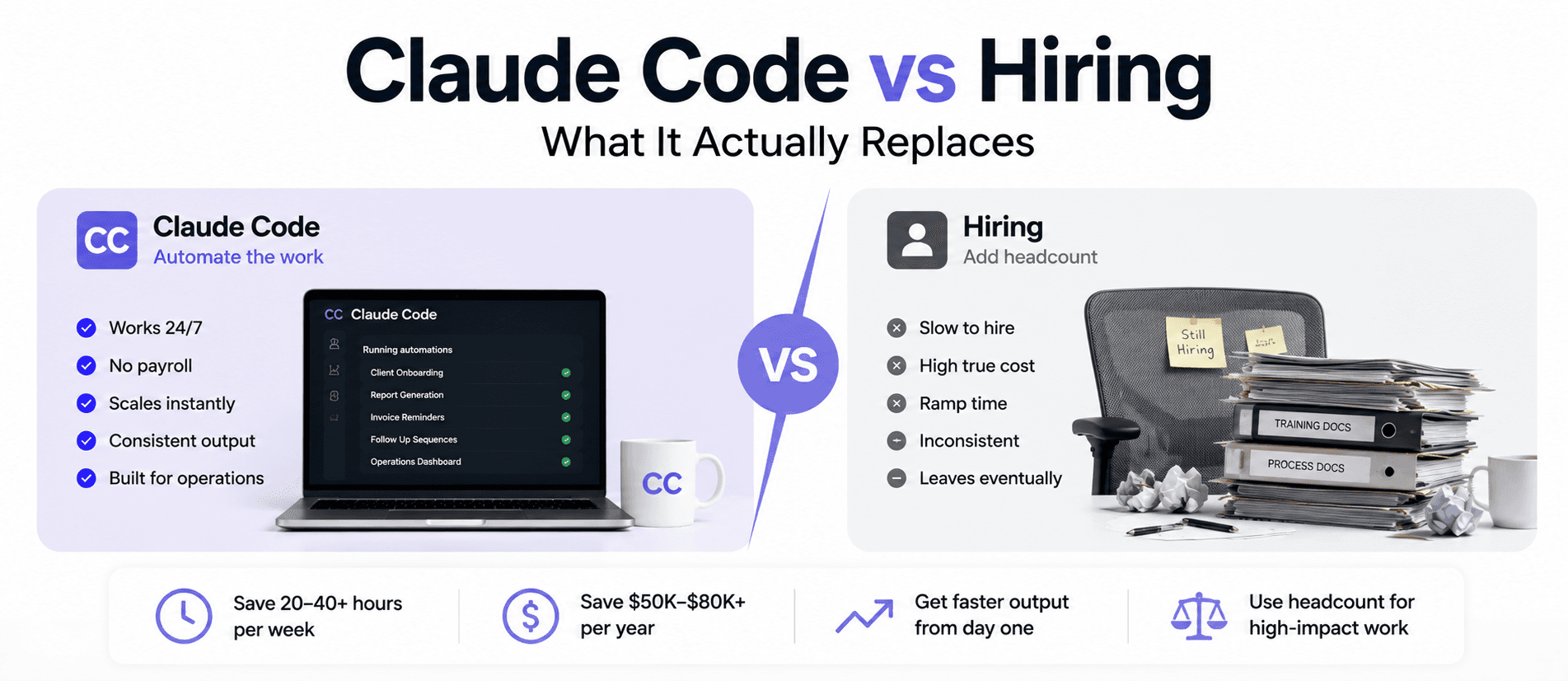
The question is not whether to hire or automate. It is which specific hours you pay $50/hr for…
Read more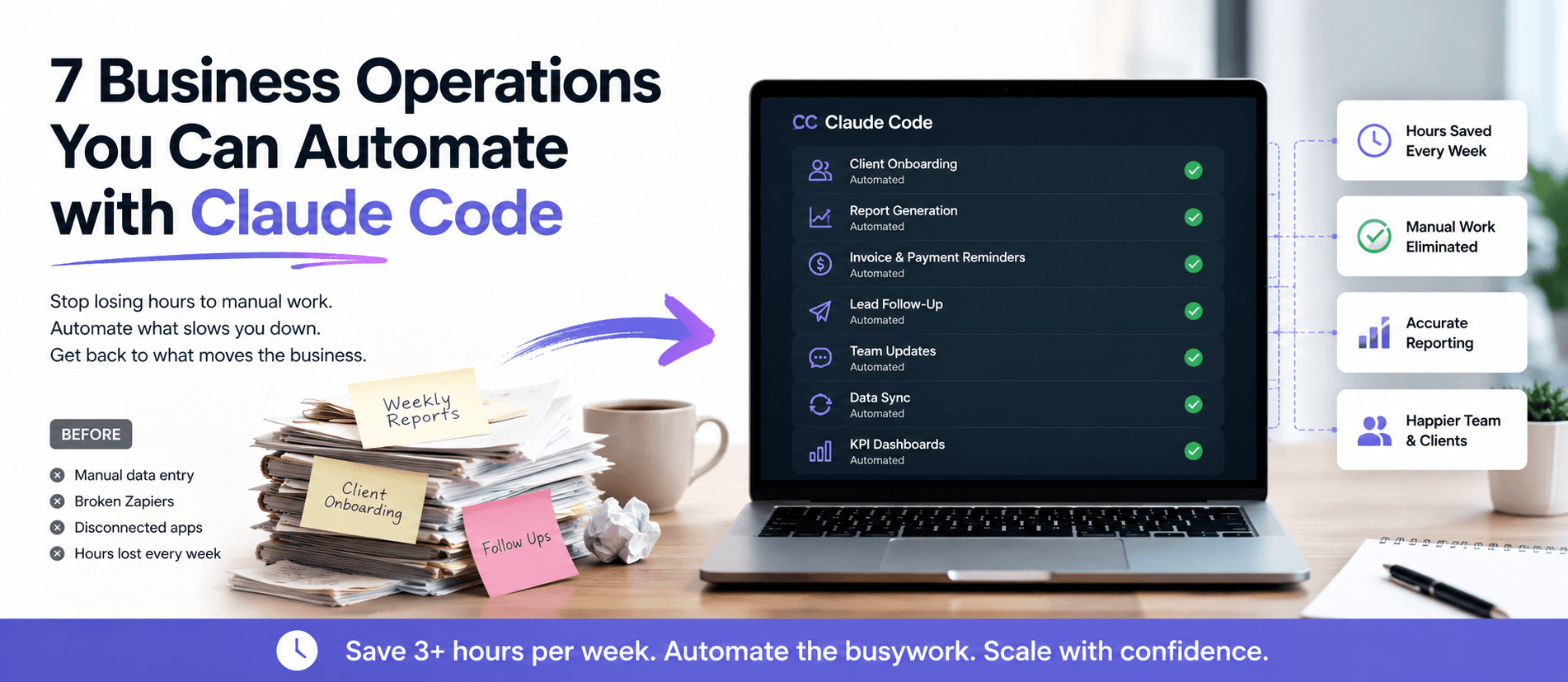
Your ops team spends hours each week on work that should already run itself. Here are 7 specific…
Read more