
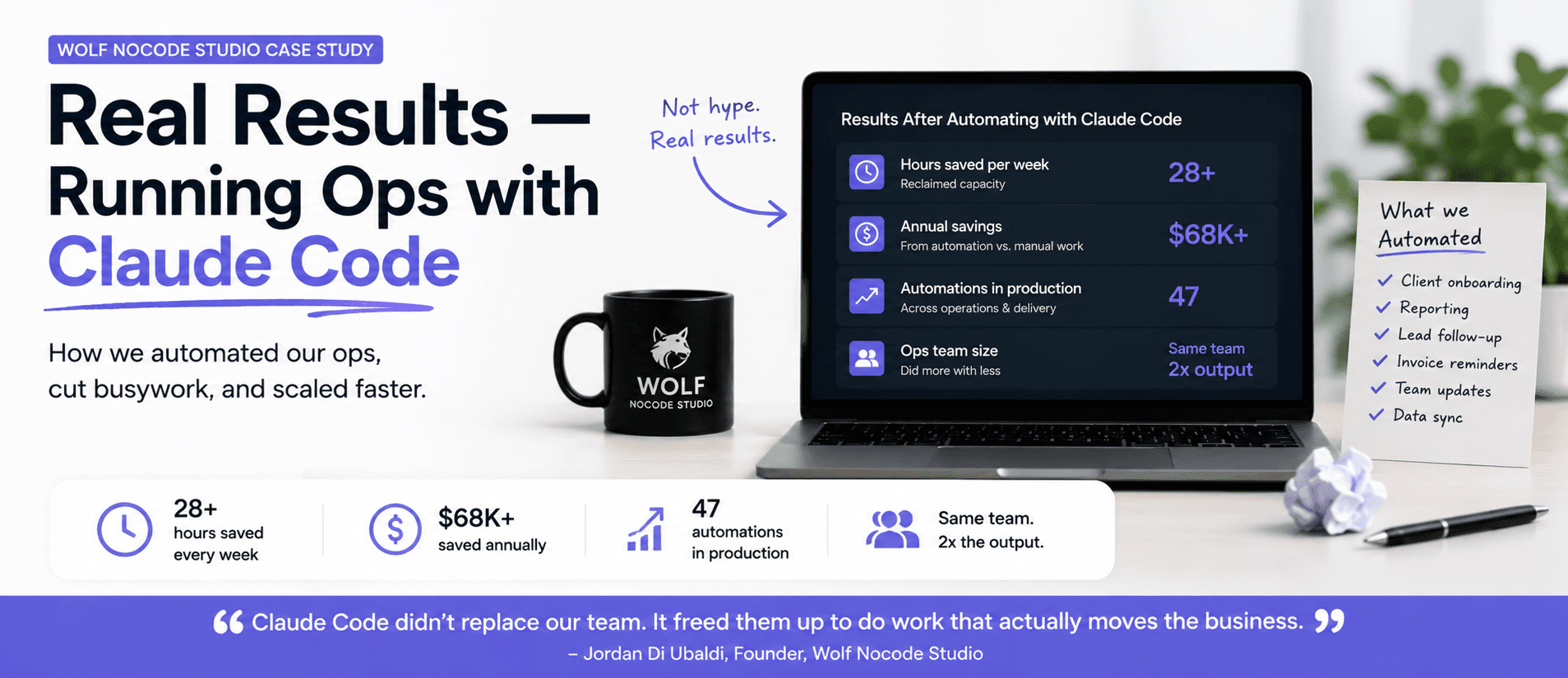
How I Run My Agency on Claude Code: Wolf Nocode Case Study
Wolf Nocode Studio builds automation for growing businesses. Here is exactly how we run our own…
Read moreJahanzeb Ahmed Khan
Founder
4 min read
So you want to build something.
Not swipe templates. Not drag and drop some Pinterest-looking landing page.
You want to build an actual product. An app. A dashboard. A tool. Something real.
But you can't code.
Good. You're exactly where you should be. Because in 2025, that's no longer a weakness, it's a weapon.
Let me show you how to use it.
Everyone and their podcast co-host is suddenly a "No-Code Founder."
And yet 90% of them are building garbage apps with broken UI and journeys that are so confusing that most users never return.
No-code doesn't mean "no effort."
It means you focus on product, not syntax.
And when you do it right, it's a superpower.
Look, I've tested them all Glide, Adalo, Softr, WeWeb, and the list goes on.
All of these are great if you know what their limitations are. For Weweb you need external databases that means complex API integrations, Glide and Adalo are just google sheets on steroids.
Bubble is the one that actually lets you build logic-heavy, user-first apps.
It's not easy. But if you want easy, go make a Notion doc.
This is where 90% of no-code builds go to hell.
You open Bubble.
You start dragging buttons.
You eyeball margins.
You say "I'll fix the design later."
And three months later, your app looks like a PowerPoint from 2004.
Why?
Because you skipped design entirely. You never saw what the app should look like before you started building it.
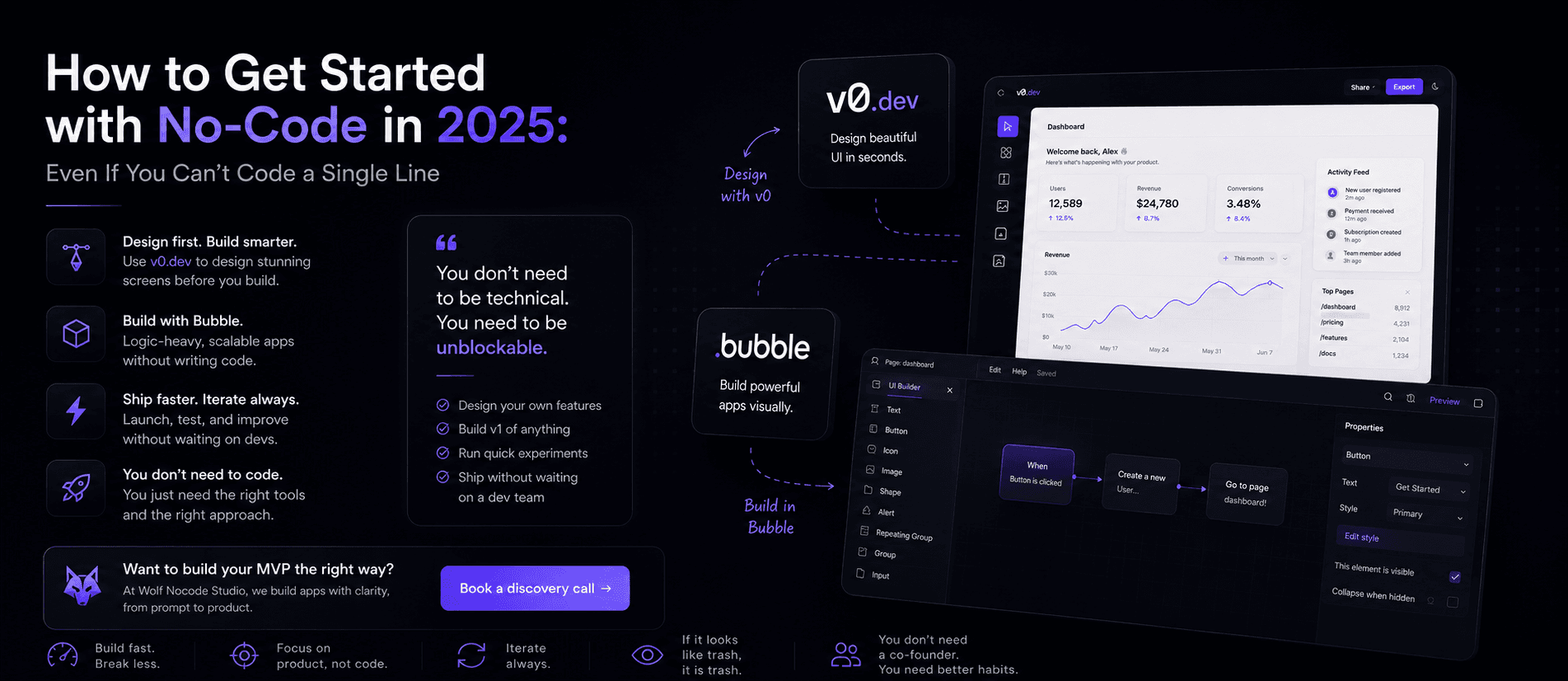
Before I even touch Bubble, I use v0.dev to design every single screen.
Don't know what v0 is? Check out What is v0? How I Use it to Design Beautiful No-Code & Coded Apps
Not just some pretty Dribbble layout. I mean actual product screens, tailored to each feature and use case.
I prompt v0 like a savage.
Refine layouts. Iterate on flows.
Until I have real UI/UX that feels like something Stripe or Linear would ship.
Only after that do I open Bubble and build it screen-by-screen.
This approach saves me weeks.
And no exaggeration: I could never design pages this good on my own, even if I wasted months on Figma and cried into my keyboard.
People ask me all the time:
"But how do you import v0 screens into Bubble?"
You don't. You replicate them.
I build the UI from scratch in Bubble using the designs as a visual blueprint.
Because Bubble's builder is powerful, but only if you know exactly what you're trying to build.
And most founders don't. They're improvising from day one. That's why their apps feel clunky, messy, and broken.
Skip the clone tutorials. Skip the "how to build Uber in Bubble" YouTube hellhole.
Pick a real problem you have.
Build a solution for it.
Start with a single feature. Use v0 to design it. Build it in Bubble. Ship it. Repeat.
You'll learn more doing that in 30 days than from 12 weeks of content hoarding.
The goal isn't to become a full-stack dev.
It's to become unblockable.
You should be able to:
If you can do that, you're ahead of 99% of SaaS founders.
✅ Use Bubble for anything logic-heavy
✅ Use v0 to design every screen first
✅ Stop dragging blocks without a plan
✅ Build fast. Break less. Iterate always
✅ If it looks like trash, it is trash
✅ You don't need a co-founder. You need better habits
At Wolf Nocode Studio, we don't just build fast.
We build apps with clarity, from prompt to product.
We'll help you design smarter, build faster, and avoid the pile of junk most "no-code" agencies pass off as finished apps.
Want to build your MVP the right way?
👉 Book a discovery call ↗ Let's talk.
Wolf Nocode Studio builds automation for growing businesses. Here is exactly how we run our own…
Read more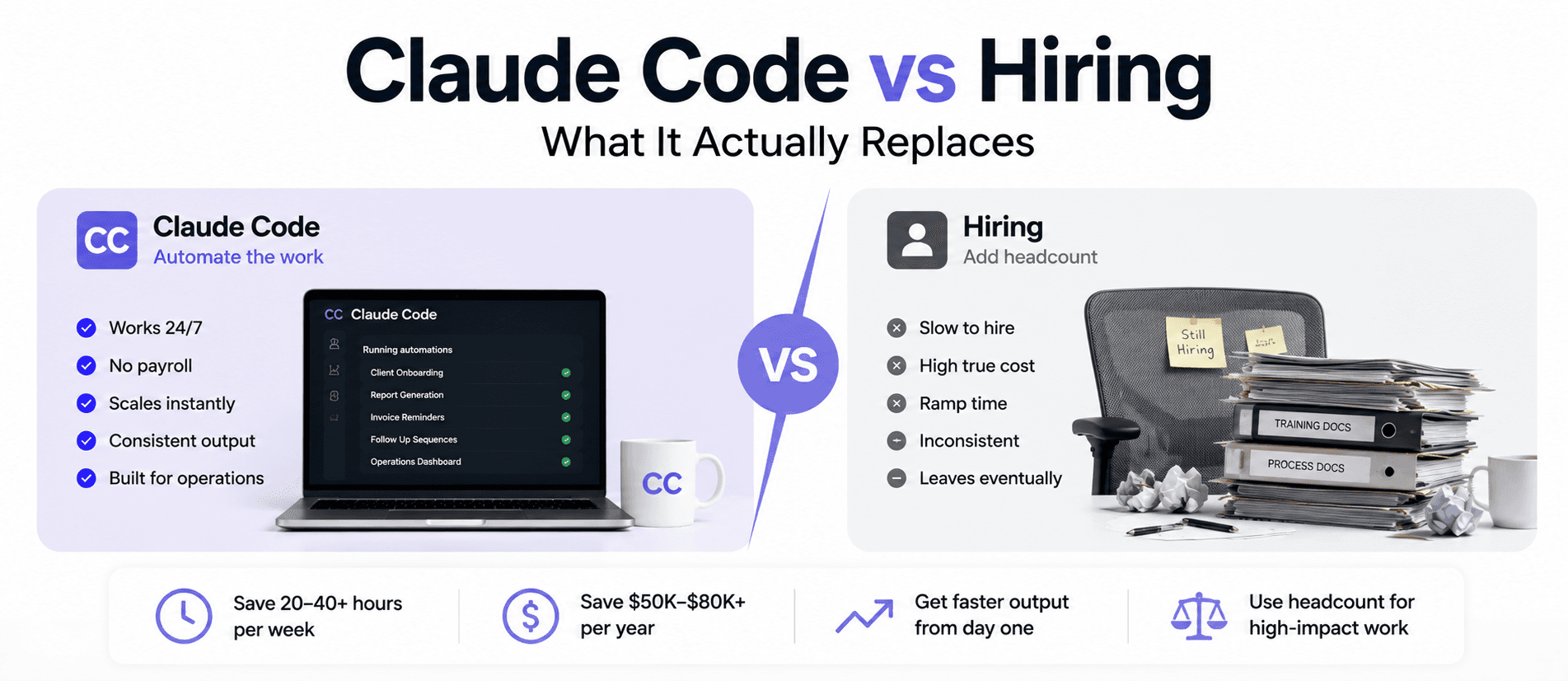
The question is not whether to hire or automate. It is which specific hours you pay $50/hr for…
Read more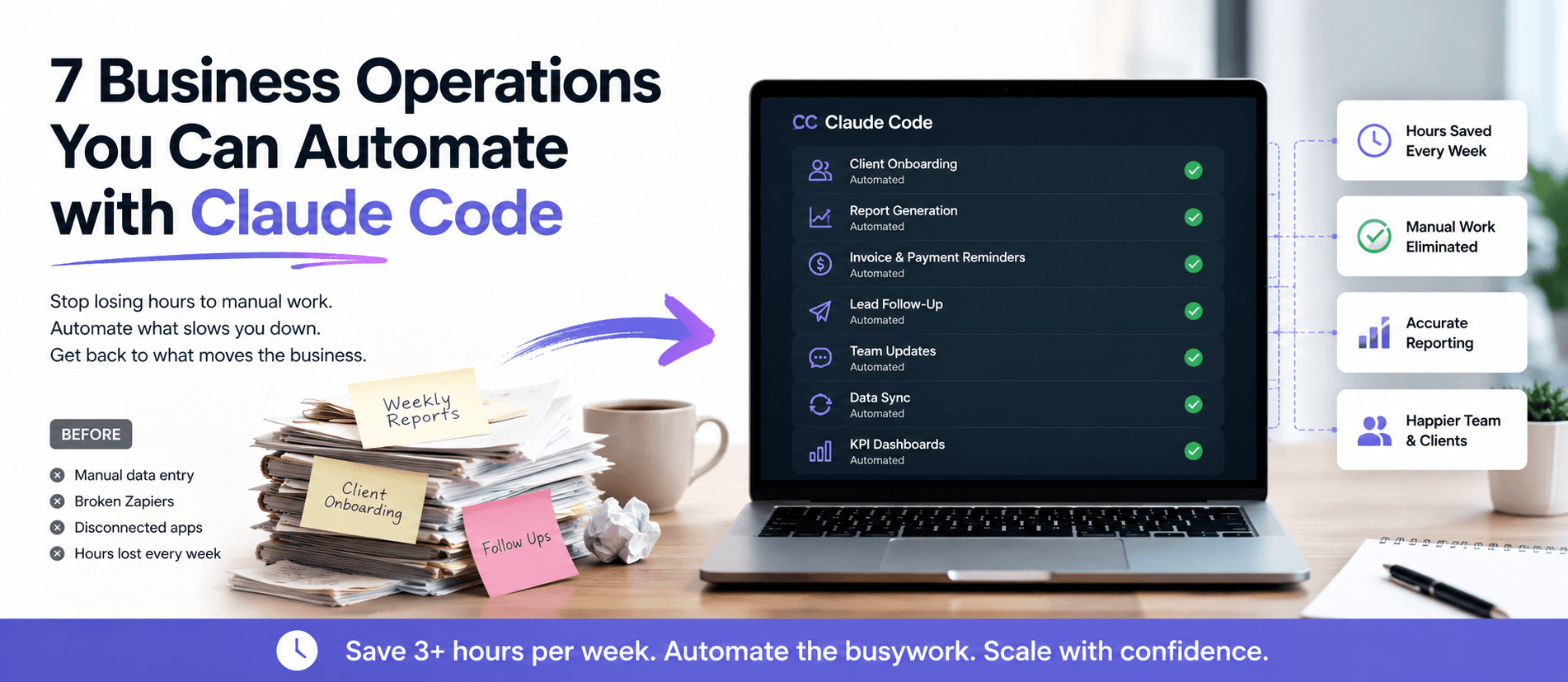
Your ops team spends hours each week on work that should already run itself. Here are 7 specific…
Read more