
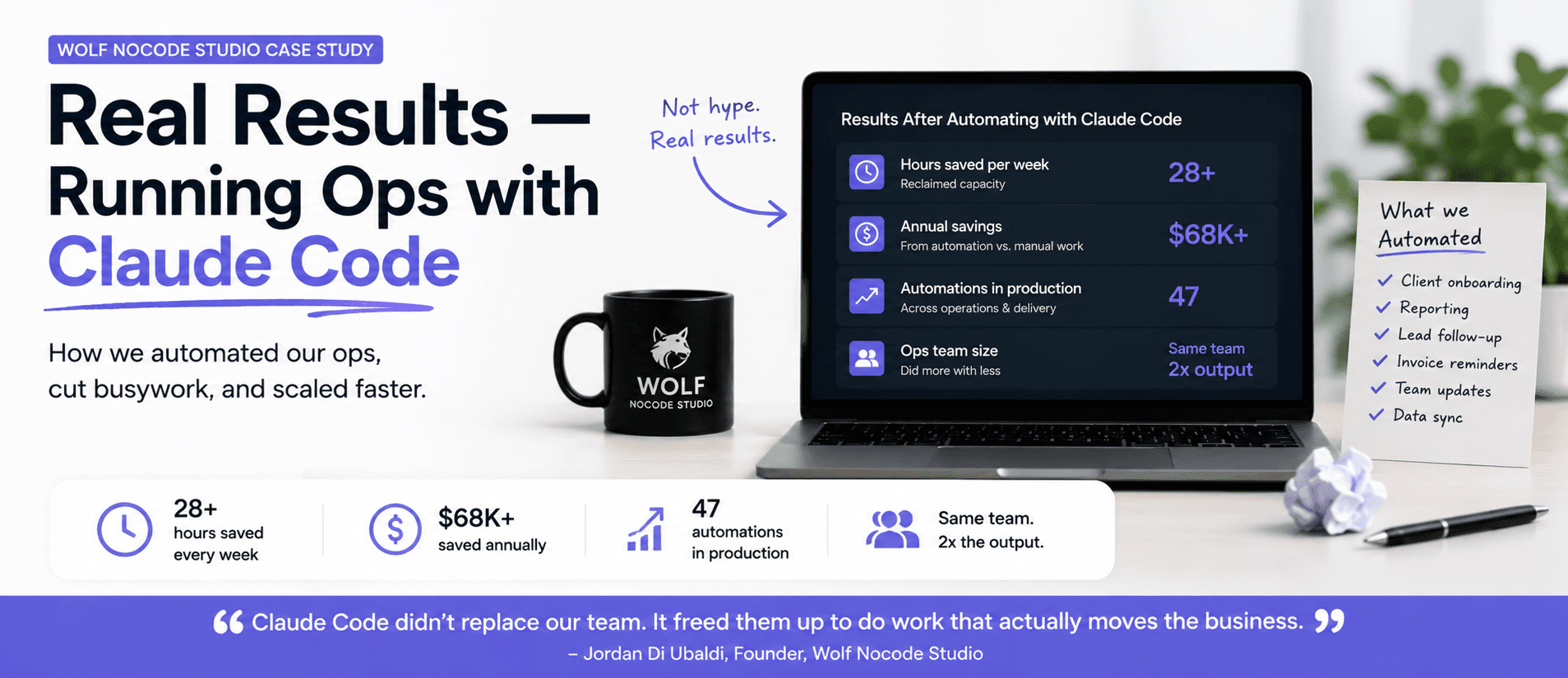
How I Run My Agency on Claude Code: Wolf Nocode Case Study
Wolf Nocode Studio builds automation for growing businesses. Here is exactly how we run our own…
Read moreJahanzeb Khan
Founder
19 min read
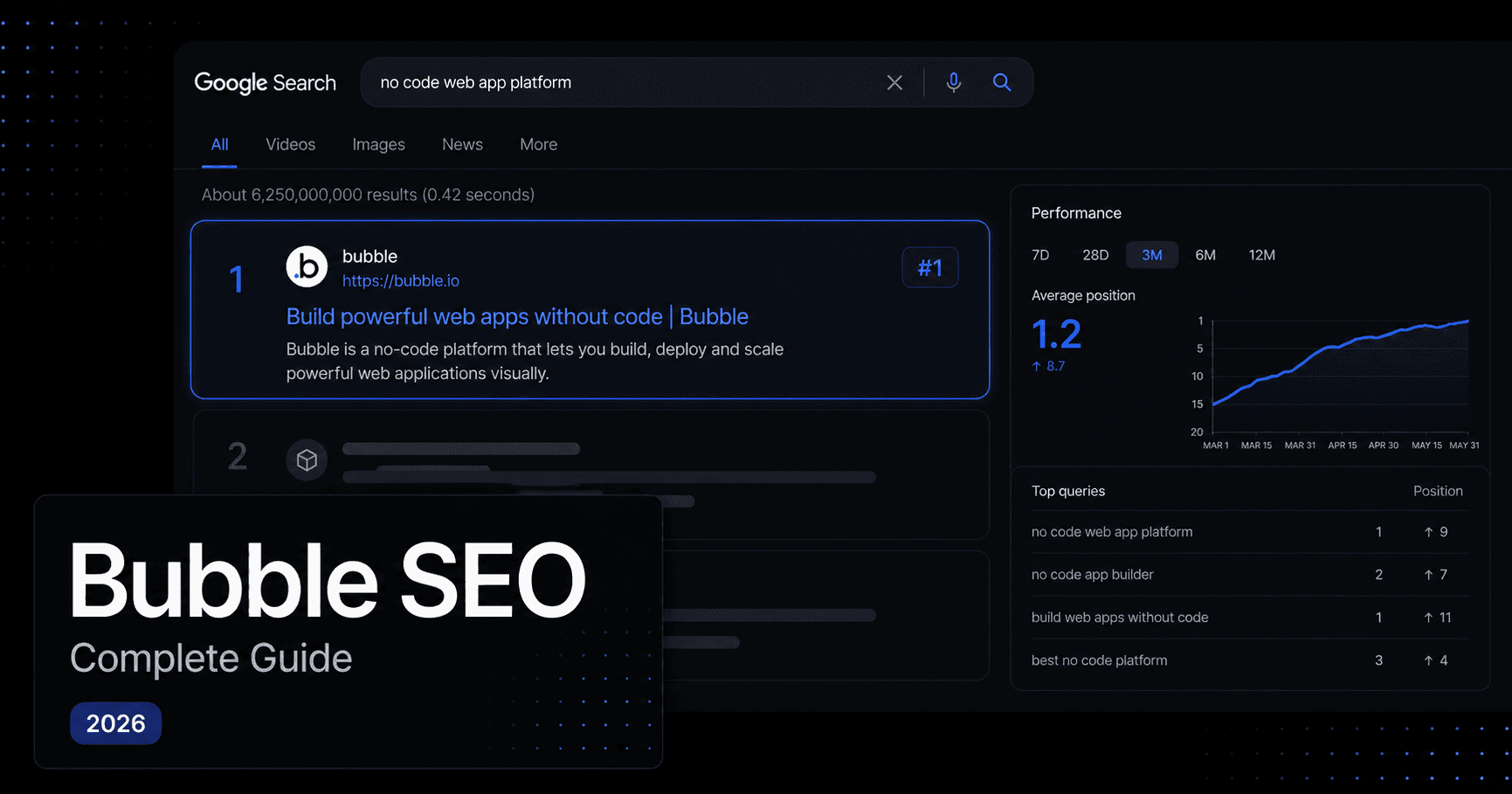
You built the app. It works. Users like it. And Google has never seen it.
That's the most common situation I walk into when a founder asks us to look at their Bubble app. Not a ranking problem. Not a keyword problem. A visibility problem. The app is effectively invisible because nobody configured the SEO when it was built, and by the time it matters, retrofitting it feels like opening up the walls of a finished house.
I've built 25+ apps on Bubble. One of them now has 4,800 active users. The difference between apps that compound in traffic and apps that rely entirely on paid acquisition usually comes down to 15 decisions made in the first few weeks of the build. This guide covers all 15.
Most people blame Bubble when their app doesn't rank. That's the wrong diagnosis, and it leads to the wrong fix.
Bubble is not bad at SEO. I've built apps on it that rank and pull organic traffic every month without a single paid ad. The platform supports everything: sitemaps, canonical URLs, dynamic meta tags, JSON-LD structured data, custom robots.txt. The full toolkit is in there.
What's missing is configuration. And the reason it's missing is that nobody put it in scope.
Most Bubble apps are built as single-page applications. One root page, with groups shown and hidden based on URL changes. A marketplace might have yourdomain.com/products as the root, and an item page only rendering a group when the URL matches a record ID. That works fine for the user. For Googlebot, it's mostly invisible. Crawlers can't reliably read content that lives inside conditional groups on a single page.
The second reason is simpler: builds are scoped for features, not discovery. When you're shipping a Bubble app, meta tags, robots.txt, sitemaps, and JSON-LD structured data don't exist in the project brief. Nobody put them there. Going back to retrofit all of it across a live app with 20 or more pages is genuinely painful, which is why most founders never do it.
The third reason is comparison. Webflow and Framer have SEO-sensible defaults baked in. Clean URLs, proper HTML structure, automatic sitemaps. Bubble gives you more control over application logic than either of those platforms, but it puts more responsibility on you too. If you don't configure SEO, it doesn't happen.
The Build-and-Disappear Pattern is what we see most often: a well-functioning product, built and launched, with Google having no reliable way to find it. The app works. The SEO never started. The fix isn't starting over. It's knowing which 15 things to do and in what order.
Before you touch anything, you need to know what you're working with. Most guides skip this part and send you straight to a checklist. That's why people follow the checklist and still get it wrong.
Bubble gives you full control over every technical SEO element, but none of it is configured by default.
Out of the box, a Bubble app has no sitemap submitted to Google, no canonical URL logic, and no robots.txt customisation. The meta tags panel exists in the editor, but it's empty unless you fill it in. This is the core difference between Bubble and a platform like Webflow: Webflow makes sensible decisions for you. Bubble makes you decide.
The good news: everything you need is already there. Under Settings > SEO/metatags in the Bubble editor, you can enable your sitemap, set canonical URL rules, edit your robots.txt, and add app-level meta tags. Most Bubble apps have never had this section opened. It takes less than 20 minutes to configure properly, and it's where the biggest single-session gains live.
Before touching anything, run a quick audit. Type site:yourdomain.com into Google search. The results show every page Google has indexed. Zero results, or only your homepage, means Google doesn't know your app exists in any meaningful way. Then set up Google Search Console, verify ownership via the meta tag Bubble lets you add in Settings, and submit your sitemap URL. This becomes your ground truth going forward.
Here is the uncomfortable truth about page-level SEO on Bubble: it is not complicated. It takes less time than most people spend arguing about whether to do it. The reason it gets skipped is not difficulty. It's that nobody added it to the project scope, and once the build is done, it feels like someone else's job.
It is not someone else's job. And it takes 20 minutes per page.
For static pages, homepage, about, pricing, landing pages, the setup is direct. Double-click the page in the editor, open the Property Editor, scroll to SEO/metatags, and fill it in.
Every page needs a unique title tag under 60 characters, with your primary keyword near the front. Every page needs a meta description between 150 and 160 characters, written for click-through from search results, not for ranking directly. Every page needs a single H1 tag containing its main keyword. In Bubble, heading levels are set by selecting a text element and choosing the heading style from the property panel. They are not automatic. You have to do it deliberately, for each element, on every page.
The thing most people miss: your About page doesn't need to be in your main navigation to help your SEO. Create it, optimise it, link to it from your sitemap, and let Google index it. It's an E-E-A-T signal. It tells Google there's a real organisation behind the app, not just a domain.
For slug setup on any page, the URL should contain the keyword the page is meant to rank for, not an internal Bubble ID. On static pages, Bubble lets you set the page slug directly in the page settings. Keep it lowercase, no special characters, and written in the same language as the search query you're targeting.
Most founders have never heard of JSON-LD structured data. The ones who have assume it's complex to implement on Bubble. It is not complex. It is one HTML element, and it is the reason some Bubble apps get star ratings, pricing, and FAQ dropdowns directly in search results while others get a plain blue link.
Structured data is the most overlooked SEO lever in Bubble apps, and one of the highest-return things you can add in an afternoon.
Here is a fast way to check whether your app has any: open it in a browser, right-click, hit Inspect, and search for json+ld. If nothing appears, there is no structured data on the page. Google has no machine-readable context about what your content contains, whether it's an article, a product, a software application, or an FAQ. That means no rich results: no star ratings in search, no FAQ dropdowns, no pricing shown inline.
The fix is a 1x1 pixel HTML element placed anywhere on the page. Paste your JSON-LD script inside it. Bubble renders it in the page HTML and Googlebot reads it on crawl. That's the entire implementation.
Here's what a basic Organisation schema looks like for your homepage:
<script type="application/ld+json">
{
  "@context": "https://schema.org",
  "@type": "Organization",
  "name": "Wolf Nocode Studio",
  "url": "https://www.wolfnocodestudio.com",
  "logo": "https://www.wolfnocodestudio.com/logo.png",
  "description": "No-code product studio building on Bubble, v0, and n8n.",
  "sameAs": [
    "https://www.linkedin.com/company/wolfnocodestudio"
  ]
}
</script>
Match the schema type to the content on each page:
| Page type | Schema to use |
|---|---|
| Blog posts | Article or BlogPosting |
| Product listings | Product with price and availability |
| SaaS or app pages | SoftwareApplication with rating |
| FAQ sections | FAQPage with question/answer pairs |
| About or contact | Organization |
| Event pages | Event with date and location |
On dynamic pages, you can make the JSON-LD pull live data. Use Bubble's "Insert dynamic data" inside the HTML element to pull in the current page's title, description, and image URL. Every record in your database then generates correct, unique structured data automatically, no manual work per entry.
Test everything in Google's Rich Results Test. Paste the URL, run the test, and it tells you exactly what structured data it found and whether it validates. This takes two minutes per page and removes all guesswork.
I've audited Bubble apps where the founder had done everything right. Good content. Solid keyword strategy. Meta tags filled in. And the pages still weren't getting indexed because of one thing: the URL was a string of numbers.
yourdomain.com/blog/1689234567
That URL tells Google nothing. It tells your users nothing. And no amount of good content fixes a URL that looks like a timestamp.
Dynamic pages are where Bubble SEO gets both powerful and complicated, and where most implementations break quietly.
When you build a blog, a product listing, or a user profile in Bubble, you're working with a dynamic page: a single page template that displays different content based on what's in the database. To create one, add a page in the Bubble editor and set a Content Type in the page settings. This tells Bubble that the page is parameterised, and it registers every record in your sitemap as yourdomain.com/blog/your-post-slug rather than yourdomain.com/blog/1689234567.
That distinction matters enormously for SEO. The default Bubble URL for a dynamic page uses the unique ID of the database record. A string of numbers means nothing to Google or your users. Slugs mean everything.
Setting up slugs correctly: Add a text field called slug to your data type, Post, Product, Listing, whatever it is. When a record is created, run a workflow that sets the slug from the title. A regex cleans it up: lowercase only, no special characters, spaces replaced with hyphens. This converts yourdomain.com/blog/1689234567 into yourdomain.com/blog/how-to-do-seo-on-bubble. Google can read that. It can rank it. It will show it.
Three non-negotiable slug rules: lowercase only, no special characters, no ID numbers appended for uniqueness. If your slug workflow appends a timestamp or database ID to prevent duplicates, strip it out and enforce uniqueness through the title text itself.
For dynamic meta tags, set your page title field to "Current page's Post's Title" and your meta description to "Current page's Post's Meta Description." Every record in your database then automatically generates the right metadata. Nothing manual per post.
We set this up across the Career Friendly platform, a community app connecting young people, schools, and businesses across the UK. First version was live in 2 weeks. It now has 4,800 active users, 12,136 successful connections made, and 2,800 schools on the platform. The dynamic page and slug architecture was part of the foundation from day one. Going back to retrofit it at that scale would have been a significant project in its own right.
A good Bubble developer or agency knows exactly how to build this architecture correctly from the start. If you're looking to hire someone who actually understands how Bubble and SEO fit together, read this first: How to hire a Bubble developer. I've built 25+ apps on Bubble. One of them now has 4,800 users on it. The difference between apps that grow and apps that stall usually comes down to decisions made in the first two weeks of the build.
Every generic SEO checklist on the internet was written for WordPress. They tell you to install a plugin and call it done. Bubble doesn't work that way, and if you've been following WordPress advice on a Bubble app, some of it will have been wrong or simply inapplicable.
This checklist is Bubble-specific. Every item maps to something you can check or fix directly inside the Bubble editor or Google Search Console, right now.
Use this to audit any live Bubble app. Every item is Bubble-specific, not a generic SEO checklist recycled from a WordPress guide.
Technical setup
/version-test/ URLs. Keep Google's crawl budget on your actual content.On-page
Dynamic pages
BreadcrumbList schema. Breadcrumbs reinforce your site's internal structure for Google and improve UX simultaneously.Content foundation
/blog) lists all posts. The dynamic page (/blog/:slug) displays individual posts with its own optimised metadata and Content Type set to Post.The technical foundation is in place. This is where most guides end. It's also where most founders make the mistake that cancels out everything they just did.
They treat SEO as a project that's now complete. It isn't. It's a system that needs a monthly 30-minute review, and without that review, you'll miss the errors that accumulate silently in Search Console while you're focused on everything else.
Once these 15 items are in place, submit your sitemap to Google Search Console and request indexing on your most important pages individually. Go to the URL Inspection tool, paste each key URL, and hit "Request Indexing." This tells Google to crawl now rather than waiting for its next scheduled visit.
Realistic timelines: new pages can appear in search results within a few days of requesting indexing. Ranking movement on competitive keywords takes 3 to 6 months of consistent technical health and content. Don't measure SEO in weeks.
What to review monthly: Search Console coverage errors, page speed scores on key pages, and which queries are generating impressions. Impressions without clicks means Google is showing your pages but users aren't clicking. That's a title tag and meta description problem, fixable without touching your app code.
The Setup-and-Forget Mistake is the last thing most founders make after doing all of this correctly: they fix the technical foundation once, then never look at it again. SEO is not a one-time configuration. It is a monthly review against a baseline. The baseline is Search Console. The review is 30 minutes. The compounding is what it earns you over 6 months.
Getting the foundation right matters, but so does who builds it. A developer who knows Bubble inside out will set this up correctly the first time and won't leave you with a retrofit job six months later. If you're not sure how to find one, here's a guide on exactly that: How to hire a Bubble developer. I've built 25+ apps on Bubble across startups, enterprise teams, and everything in between. One of those apps now has 4,800 active users on it. The SEO foundation was part of the build, not an afterthought.
If you've read this guide and you're looking at your Bubble app thinking "someone needs to implement all of this," that's the most common place founders land after reading it. The diagnosis is clear. The implementation is the part that needs hands inside your actual editor.
At Wolf Nocode Studio we've done this across marketplaces, SaaS products, and community platforms built on Bubble. If your app is live and needs the full SEO foundation set up correctly, a 20-minute call will tell you exactly what's missing and what it takes to fix it.
**Book a free 20-minute call ↠**
Bubble SEO is the process of configuring a Bubble.io app so that Google can crawl, index, and rank its pages in search results. It covers technical setup (sitemaps, canonical URLs, robots.txt), on-page elements (title tags, meta descriptions, H1 and H2 structure), dynamic page configuration (slugs, content types), structured data (JSON-LD), and page speed. Bubble has every tool needed for solid SEO. None of it is configured by default.
Yes. Bubble apps can rank on Google with the right configuration. The platform supports sitemaps, canonical URLs, custom meta tags, dynamic metadata for every database record, JSON-LD structured data, and a full robots.txt editor. None of it is switched on by default. Apps built without deliberate SEO setup are effectively invisible to Google, but that is a configuration problem, not a platform limitation.
Webflow and Framer have better SEO defaults out of the box, clean URLs, proper HTML structure, and automatic metadata generation. Bubble requires more deliberate configuration. Once properly set up, Bubble apps can reach SEO parity with Webflow for most use cases. The trade-off is that Bubble handles far more complex application logic. You are comparing a website builder to a full application platform, and the comparison only holds for simpler content pages.
Most Bubble apps are built as single-page applications with groups shown and hidden on URL changes rather than separate indexed pages. On top of that, SEO setup, meta tags, sitemap, robots.txt, JSON-LD, is almost never included in the original project scope. Going back to retrofit it across a live app with multiple page types is time-consuming, so most teams never do it.
With technical SEO correctly configured, individual pages can appear in Google's index within a few days of submitting a sitemap and requesting indexing via Search Console. Ranking movement on competitive keywords typically takes 3 to 6 months of consistent technical health and content. Long-tail, low-competition queries can show ranking movement within weeks of being indexed for the first time.
A slug is a URL-friendly identifier for a database record, for example how-to-set-up-seo-on-bubble instead of a numeric unique ID like 1689234567. Slugs matter because Google reads and weighs the words in a URL. A slug that contains your target keyword tells Google what the page is about before it reads the content. In Bubble, you create a slug field on your data type and populate it via a workflow when a record is created, using a regex to enforce lowercase, no special characters, and no spaces.
JSON-LD is structured data, machine-readable information embedded in your page's HTML that tells Google explicitly what type of content a page contains. It can trigger rich results in search: star ratings, pricing, FAQ dropdowns, event details. To check whether your Bubble app has any, open the browser inspector and search for json+ld. Most Bubble apps return nothing. Adding it via a 1x1 HTML element is one of the highest-return SEO improvements you can make in a single session.
Not every app needs a blog, but every app benefits from having indexable content beyond product pages. A blog is the most common approach, but a resources section, a use-case library, or a public directory of users or listings achieves the same goal. The requirement is pages that answer questions your target users are searching for. Product and feature pages alone rarely generate meaningful organic traffic without supporting content behind them.
Jahanzeb Khan is the founder of Wolf Nocode Studio. He has built 25+ no-code and AI-powered products since 2020 for funded startups, enterprise teams, small businesses, medium businesses and first-time founders, using Bubble, claude code, v0, Cursor, Lovable, and n8n.
Wolf Nocode Studio builds automation for growing businesses. Here is exactly how we run our own…
Read more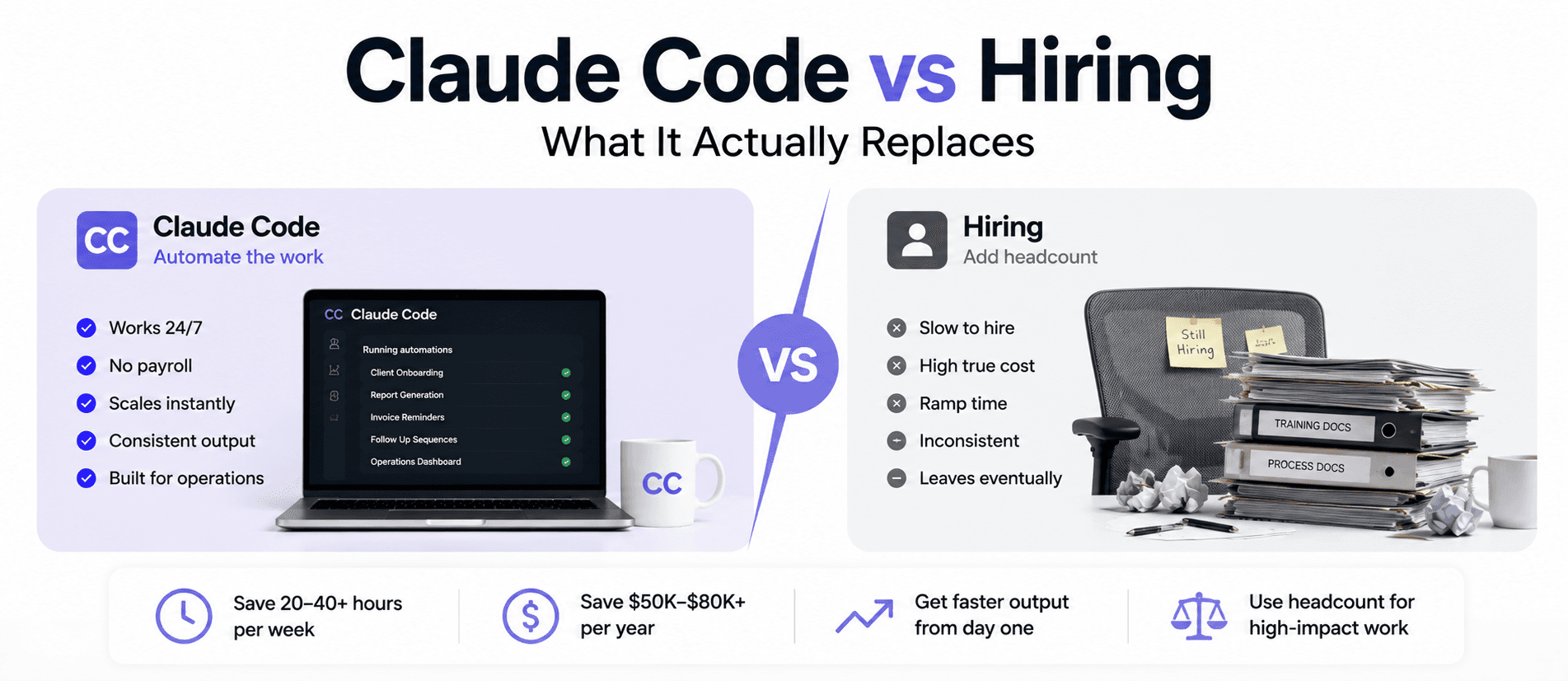
The question is not whether to hire or automate. It is which specific hours you pay $50/hr for…
Read more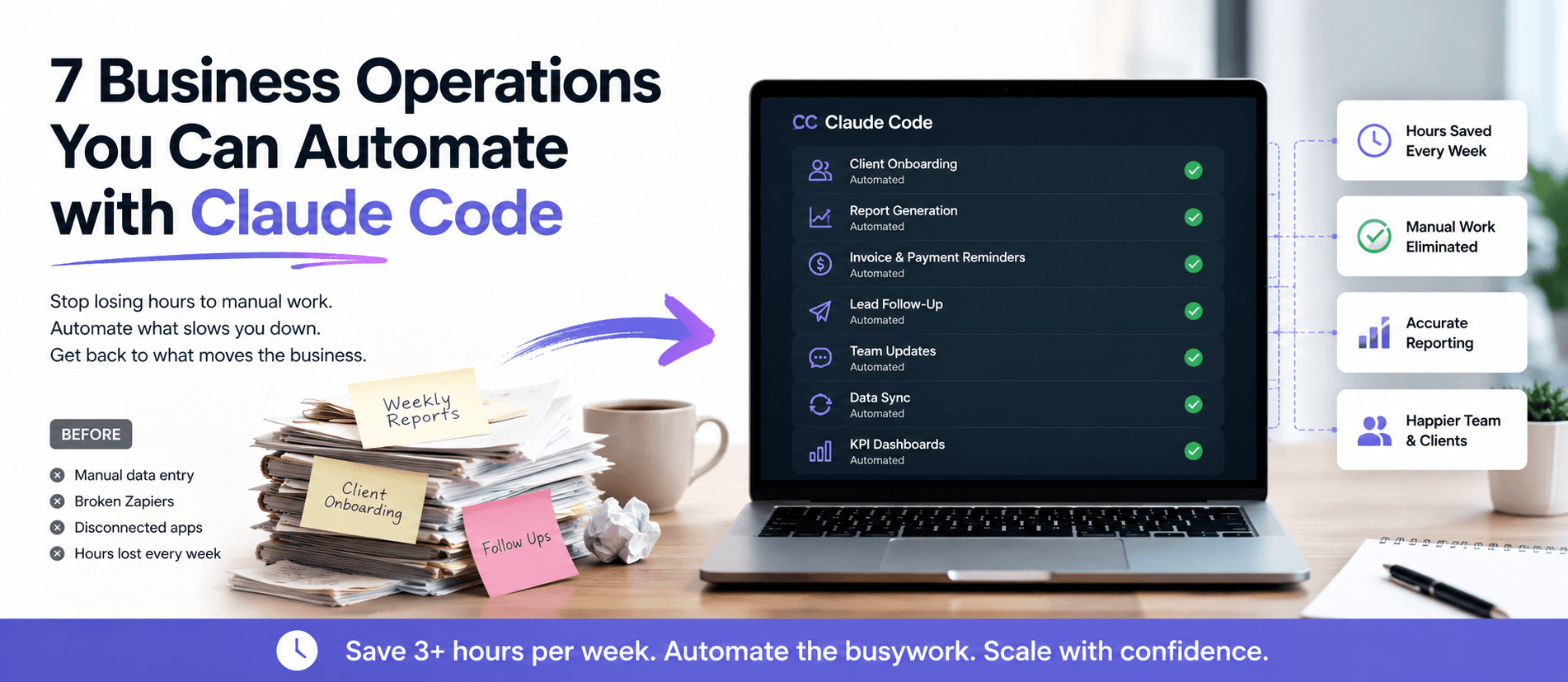
Your ops team spends hours each week on work that should already run itself. Here are 7 specific…
Read more